 AI Object Remover
Load the photo
Drop in any shot from your camera roll. The AI Object Remover accepts JPG, PNG, and WEBP files up to 20MB, and nothing leaves your session until you download it.
Circle what doesn’t belong. The AI Object Remover erases it and rebuilds the background so nothing looks touched.

An AI Object Remover is a photo tool that erases anything you don’t want in a picture — a stranger walking through a landmark shot, a power line over a rooftop, a stray reflection in a product photo — without asking you to touch a layer or a mask by hand.
Where a traditional editor makes you clone-stamp pixel by pixel, the AI Object Remover studies the texture, light, and perspective around the marked area and reconstructs it automatically, the way a darkroom technician would spot a negative and reprint it clean. You mark the object once; the AI Object Remover does the rebuilding.
That’s the whole idea behind this AI Object Remover: one job, done well, so a five-minute retouch doesn’t turn into a full editing session.
Three steps, no editing experience required.
Drop in any shot from your camera roll. The AI Object Remover accepts JPG, PNG, and WEBP files up to 20MB, and nothing leaves your session until you download it.
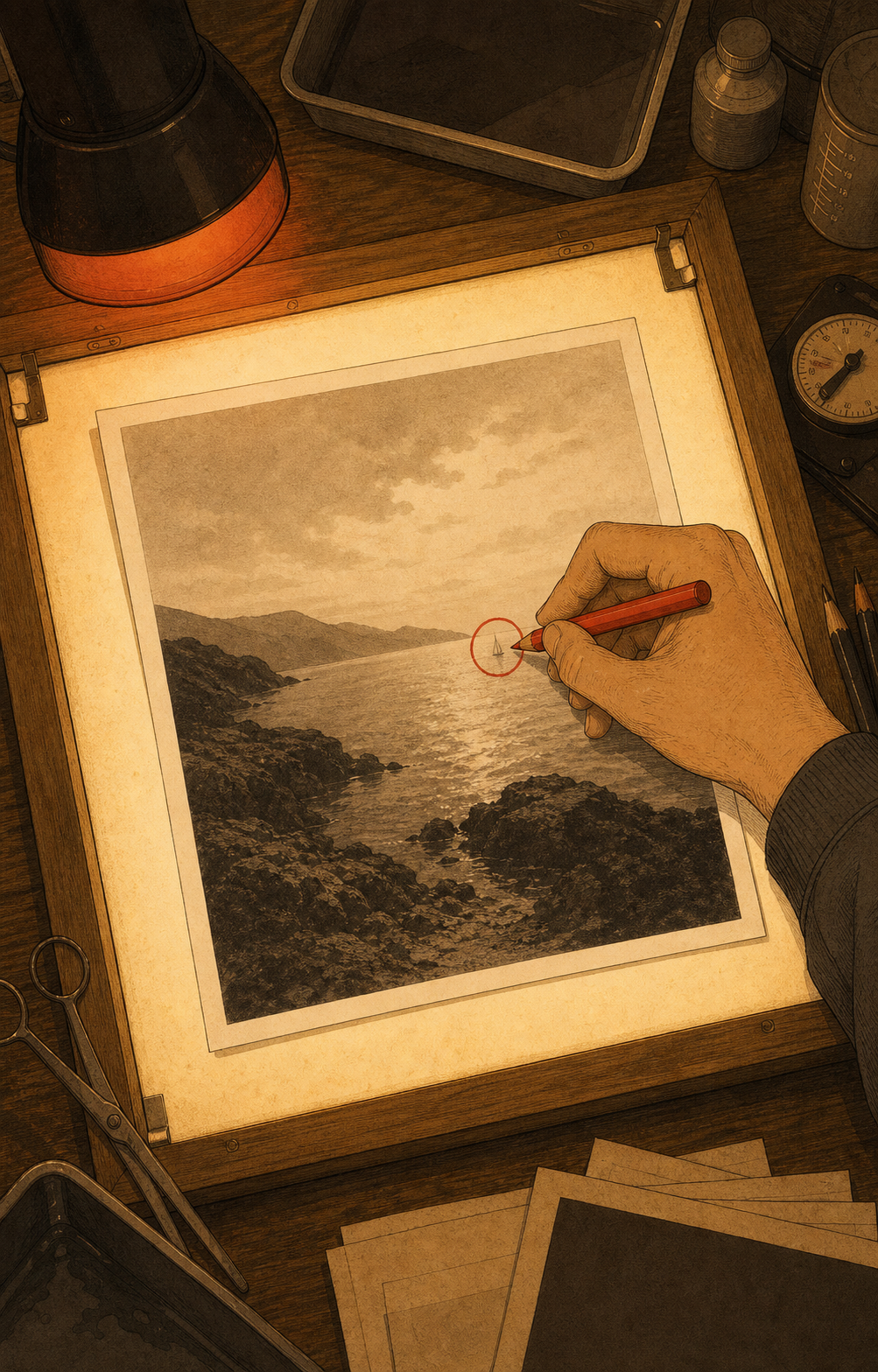
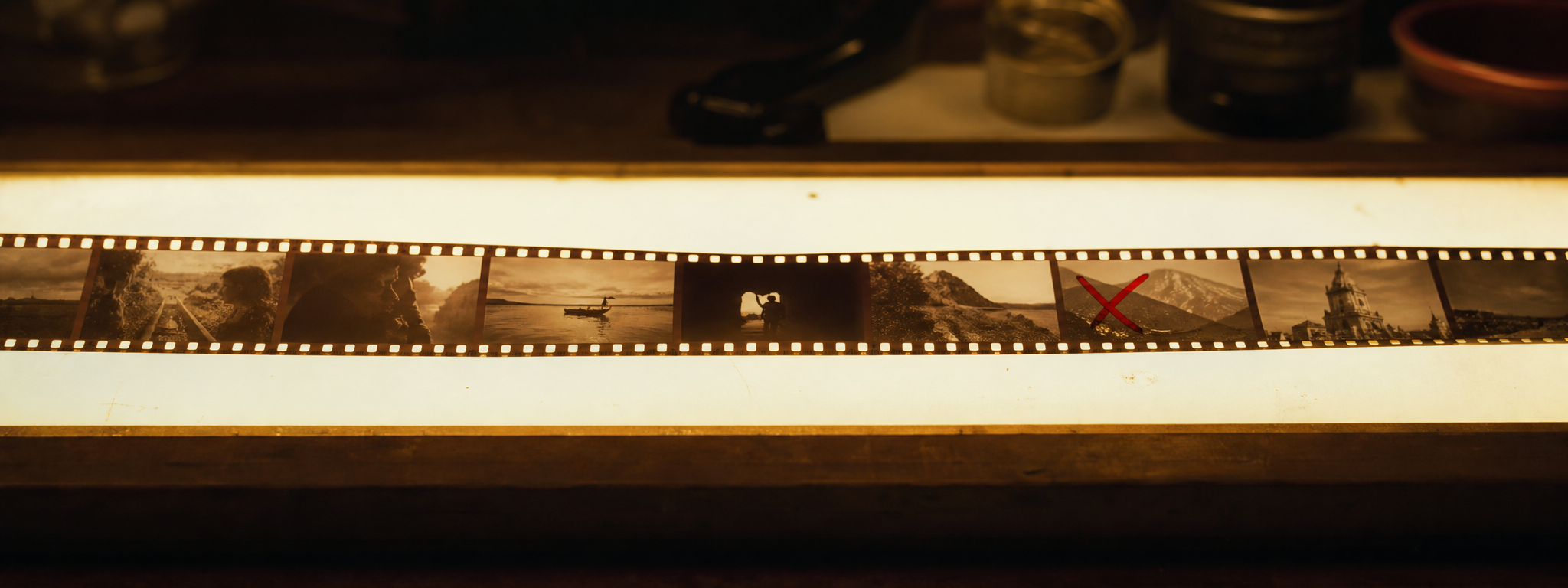
Brush over the person, sign, cable, or clutter you want gone — the same motion an editor uses to mark a contact sheet with a grease pencil. You don’t need to be precise.
The AI Object Remover studies the surrounding texture, shadow, and light, fills the marked area, and hands back a photo with nothing missing and no watermark stamped over it.

Most free erasers blur or smear the area you mark. The AI Object Remover reconstructs matching texture and light instead, so a patch of sand still looks like sand.

Upload, mark, and download without a profile or a logo stamped across your photo. The AI Object Remover is built to be used once and forgotten, not to collect an email address.
The cleaned photo downloads at the same resolution you uploaded — the AI Object Remover doesn’t downscale your file to push you toward a paid plan.

Circle a person, then a bag, then a shadow — the AI Object Remover processes every mark in the same pass, so a busy photo doesn’t need several rounds of editing.

It runs in a mobile browser, so a listing photo or a travel shot can be cleaned up before you’ve left the spot where you took it.

Photos are processed for the session only. The AI Object Remover doesn’t keep a library of your uploads once you close the tab.
Real estate agents use it between showings, clearing a car or a bin from a listing photo they still need to upload that evening. Online sellers use it on product shots the night before a page goes live, wiping a fingerprint off a mug without booking studio time again. Travelers use it on the one photo of a landmark that a stranger walked through, and social media managers use it to tidy a background before a post goes out. None of them need every tool a full editor has — they need the AI Object Remover to do one job, quickly, and get out of the way.

Real estate agent

Online seller

Traveler

Social media manager
From a tourist in a landmark shot to a car in a listing photo, these are the situations people reach for the AI Object Remover instead of opening a full editor.
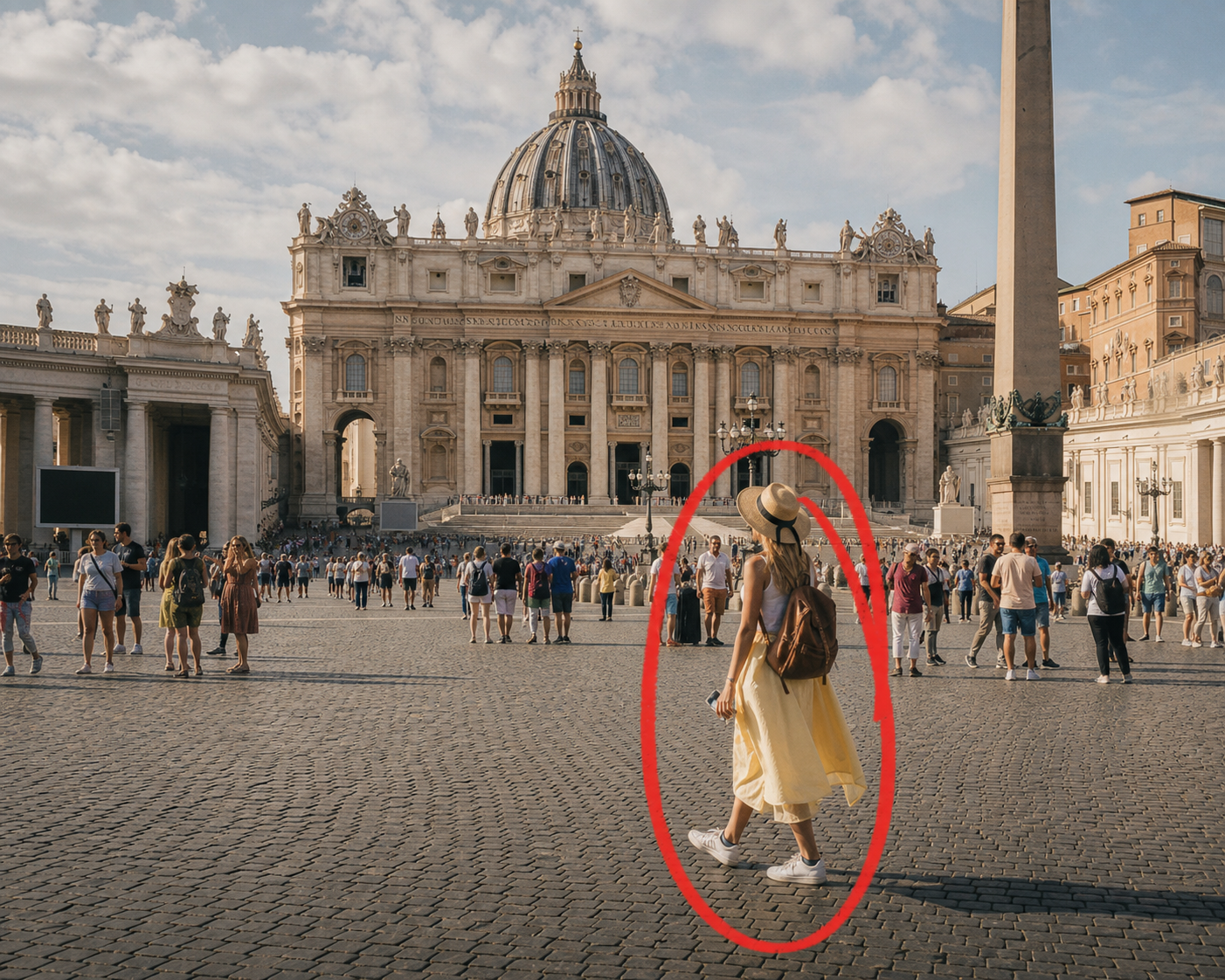
A stranger walks through the one shot of the fountain you waited ten minutes for. The AI Object Remover clears foot traffic and passing cars without cropping the frame down to nothing.
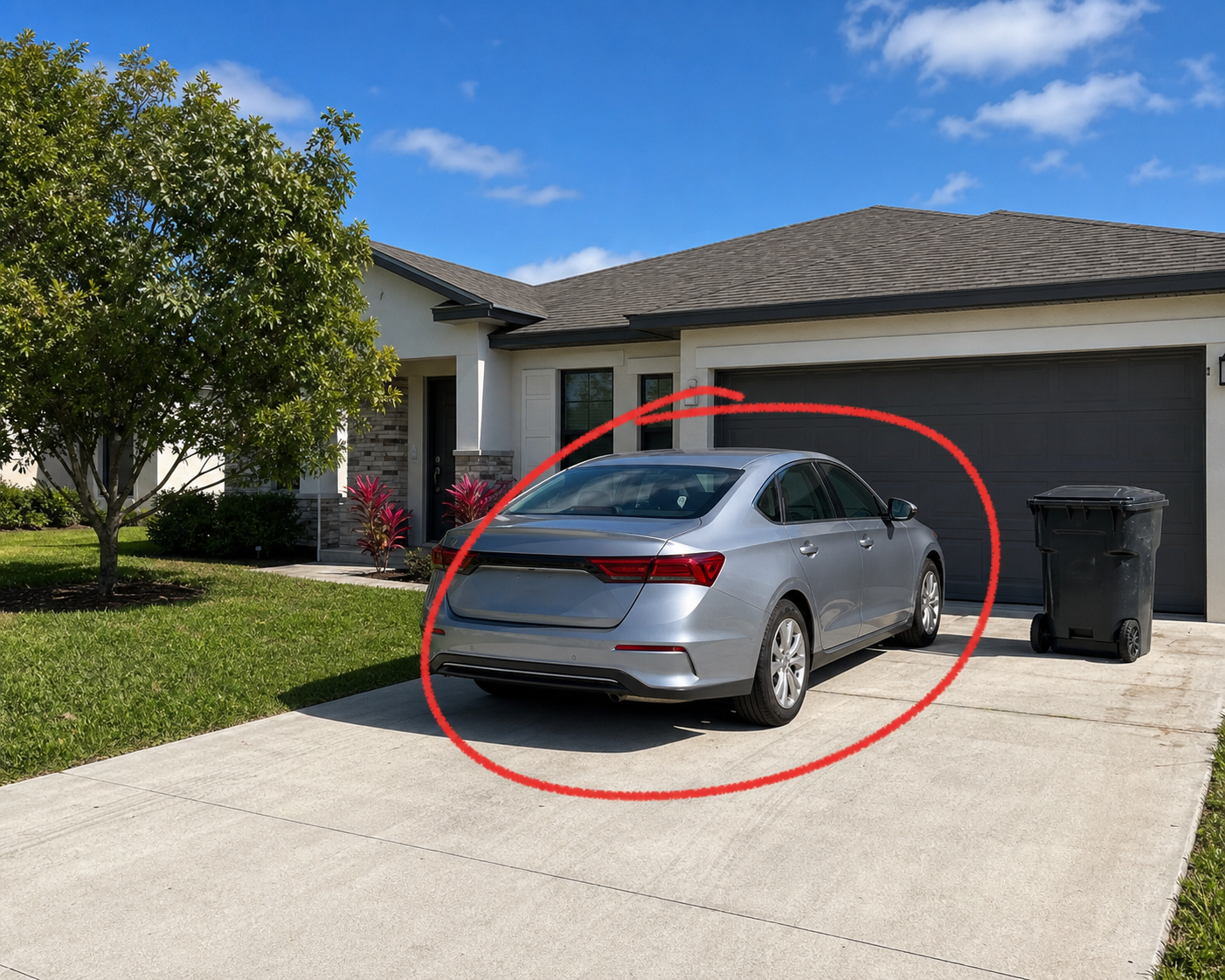
A parked car, a trash bin, a hose across the driveway. Circle it, and the AI Object Remover clears the shot faster than it would take to reschedule the photographer.
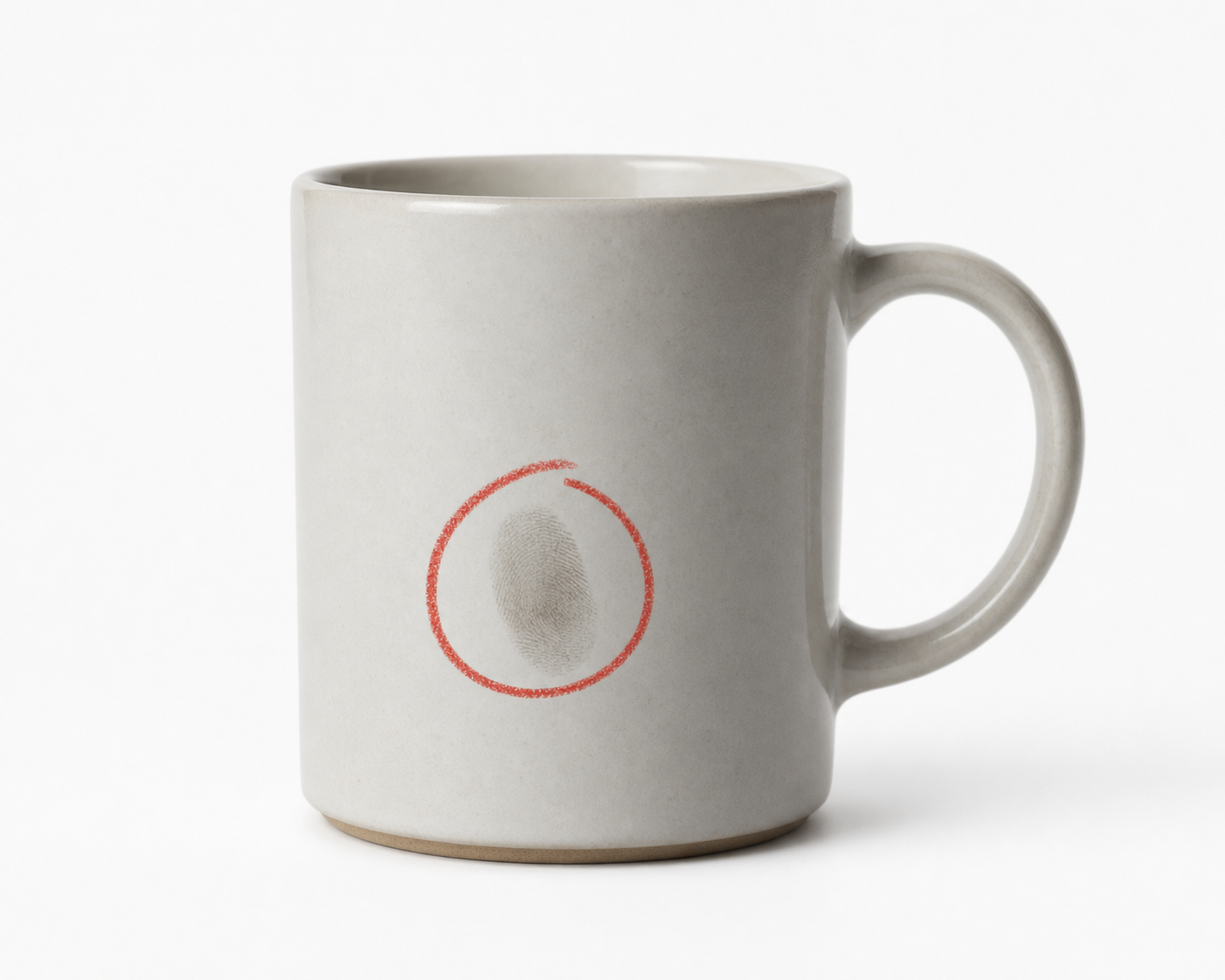
A fingerprint on glossy packaging, a stray reflection, a prop that doesn’t match the crop. The AI Object Remover cleans up studio shots without a reshoot.
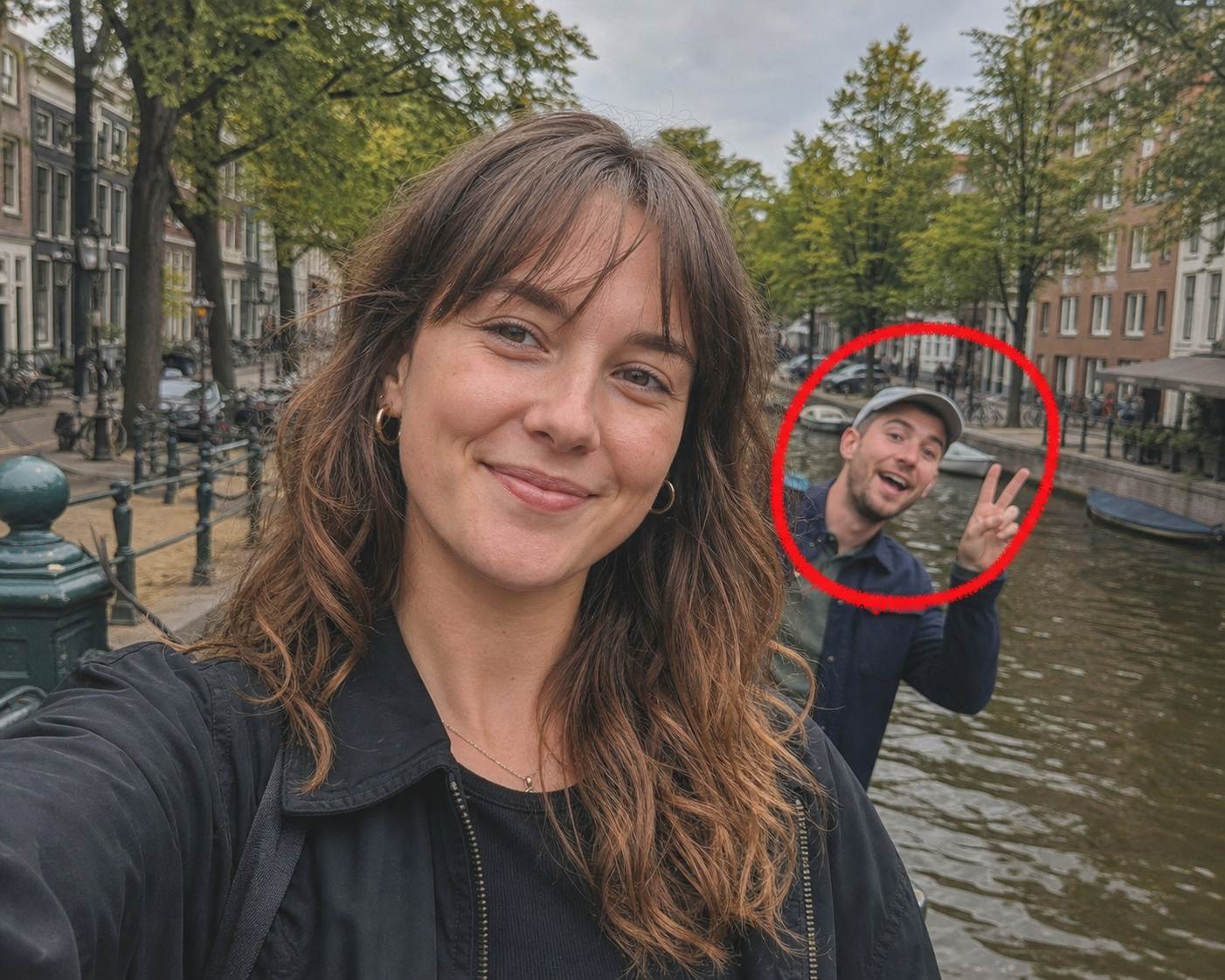
A photobomb, a busy background, a sign in the wrong place behind you. The AI Object Remover tidies the frame before you post it.
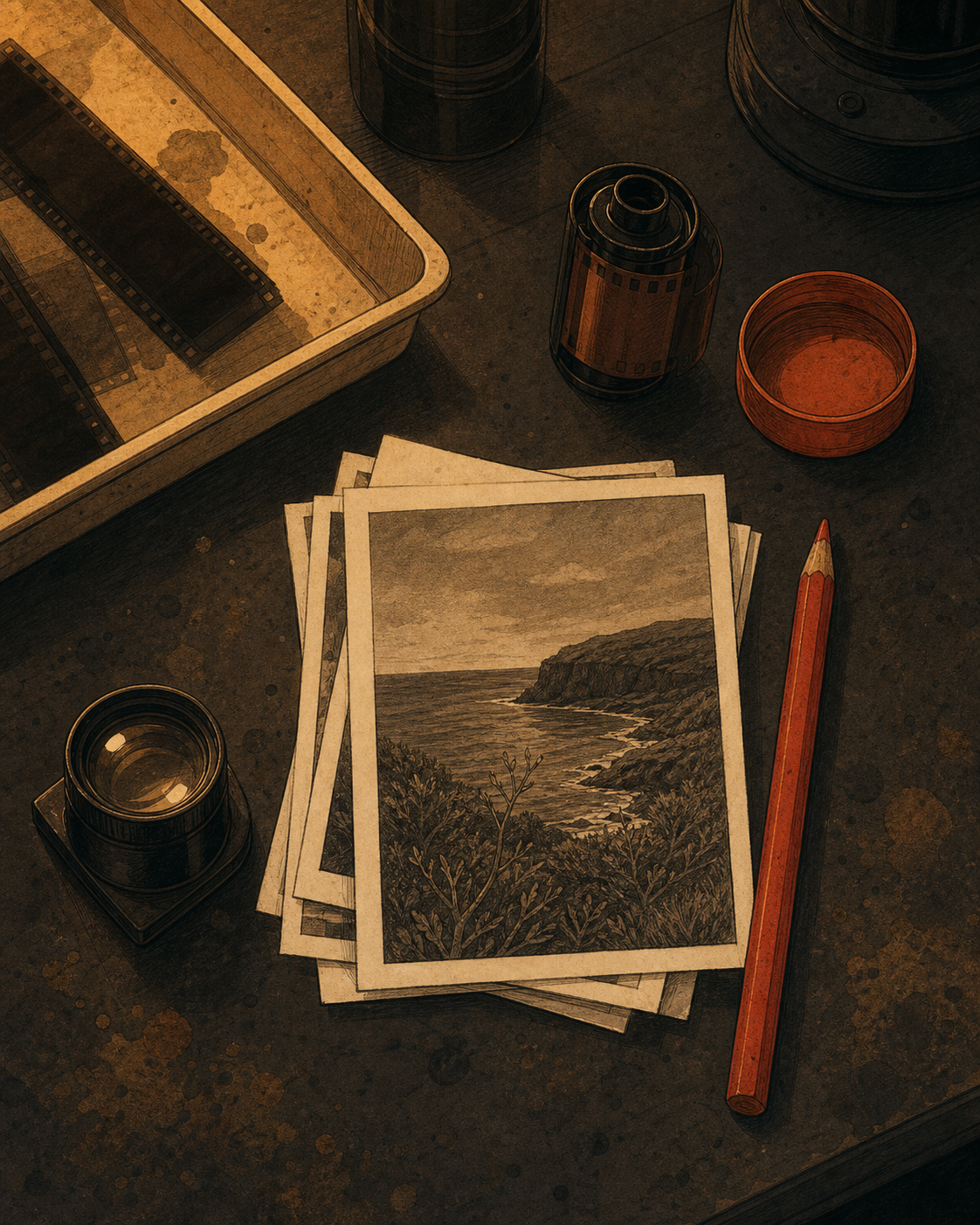
A few habits that make a real difference in what the AI Object Remover hands back.
M“I used the AI Object Remover to clear a bus out of a street photo I’d otherwise have deleted. Took less time than picking a filter.”
— Freelance photographer
A“Our listing photos had cars in every driveway shot. The AI Object Remover cleaned up a whole batch in one afternoon.”
— Real estate assistant
J“I don’t open a full editor for the small stuff anymore. The AI Object Remover handles it before I’ve finished my coffee.”
— Online seller
Illustrative quotes — swap in real customer feedback once the tool has users.
Yes — uploading, marking, and downloading cost nothing, with no limit on how many photos you clean up. No account or credit card is required to use the AI Object Remover.
No. The AI Object Remover reads the texture, light, and shadow around the marked area, then rebuilds that patch to match the rest of the scene.
JPG, PNG, and WEBP work directly. Export the cleaned result from the AI Object Remover as a high-resolution file with no watermark.
Yes. Circle every object you want gone before processing, and the AI Object Remover clears all of them in a single pass.
Yes, it runs directly in a mobile browser, so a photo can be cleaned up and downloaded without opening a laptop.
No. The AI Object Remover processes photos for the session only and doesn’t keep them once you close the tab.
No. The AI Object Remover preserves the original resolution and file quality everywhere outside the area you marked for removal.