 AI Object Remover
Load the photo
Drop in a portrait, a listing, or a product shot. The AI Shadow Remover accepts JPG, PNG, and WEBP files up to 20MB, and nothing leaves your session until you download it.
Upload the photo. The AI Shadow Remover lifts the shadow and rebuilds the light so the surface looks as if the dark never fell there.

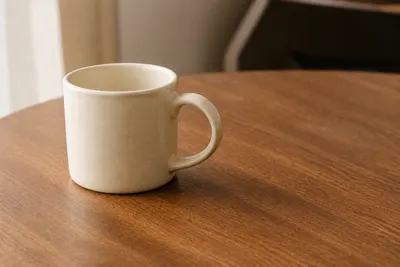
An AI Shadow Remover is a photo tool that lifts a shadow you don’t want — a hard line across a face, a cast from a bottle, a band of shade on a wall — without asking you to dodge, burn, or clone-stamp by hand.
Where a brightness slider lifts the whole frame and flattens the photo, the AI Shadow Remover studies the texture, color, and light in the frame and reconstructs only the shadowed patch. You upload once; the AI Shadow Remover does the rebuilding.
That’s the whole idea behind this AI Shadow Remover: one job, done well, so a lighting fix doesn’t turn into a full retouching session. Keep the rim light that gives a face shape. Send the leftover cast to the AI Shadow Remover.
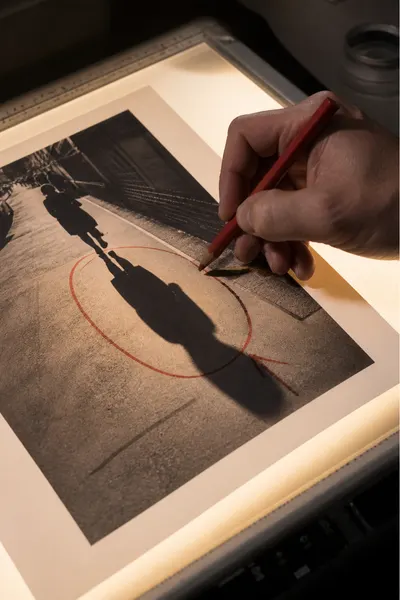
Three steps, no lighting experience required.
Drop in a portrait, a listing, or a product shot. The AI Shadow Remover accepts JPG, PNG, and WEBP files up to 20MB, and nothing leaves your session until you download it.
One click starts the AI Shadow Remover. You don’t brush, circle, or pick a mask — the tool finds the cast and lifts it while the surrounding light stays put.
The AI Shadow Remover reads the surrounding light and surface, fills the dark patch, and hands back a photo that looks naturally lit, not flattened, with no watermark stamped over it.
Most free brighteners flatten the dark area. The AI Shadow Remover reconstructs matching texture and color instead, so skin still looks like skin and wood still looks like wood.

The cleaned photo downloads without a logo stamped across it. The AI Shadow Remover is built to hand back a usable picture, not a branded preview.
The cleaned photo downloads at the same resolution you uploaded — the AI Shadow Remover doesn’t downscale your file to push you toward a paid plan.
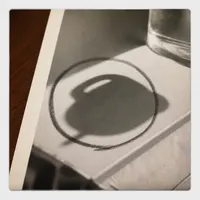
The AI Shadow Remover is built to lift the cast that hides detail, not to flatten every shadow in the frame, so a photo doesn’t lose the depth that made it look real.

It runs in a mobile browser, so a listing photo or a product shot can be evened out with the AI Shadow Remover before you’ve left the spot where you took it.

Photos are processed for the session only. The AI Shadow Remover doesn’t keep a library of your uploads once you close the tab.
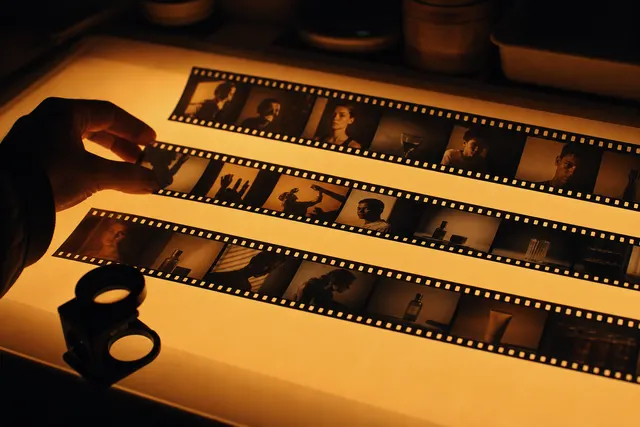
Portrait photographers use the AI Shadow Remover when a window throws a hard line across a cheek and there isn’t time for another setup. Online sellers use it on product shots the night before a page goes live, lifting the pool of shade under a bottle without booking studio lights again. Real estate agents use the AI Shadow Remover on interiors where a curtain throws a band of shade across a wall, and social media managers use it to even a face before a post goes out. None of them need every slider a full editor has — they need the AI Shadow Remover to do one job, quickly, and get out of the way.

Portrait photographer

Online seller

Real estate agent

Social media manager
From a hard line on a cheek to a cast under a product, these are the situations people reach for the AI Shadow Remover instead of opening a full editor.

Midday sun or a window can cut a face in two. The AI Shadow Remover lifts the dark side without flattening the catchlight you still want to keep.
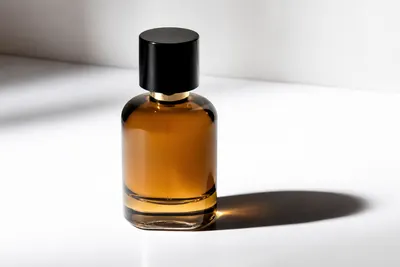
A bottle, a box, a piece of jewelry sitting in a pool of shade. The AI Shadow Remover evens the surface faster than it would take to reshoot with a bounce card.

A curtain, a lamp, a tree outside the window. The AI Shadow Remover clears the band of shade on a wall so the room reads as one space in a listing photo.
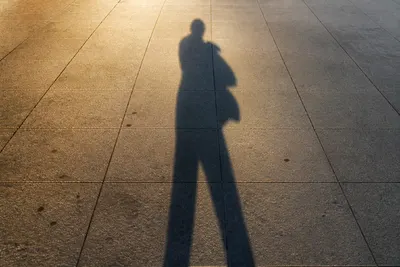
Your own shadow, a signpost, a passing cloud. The AI Shadow Remover tidies the ground or the wall before you post the frame.
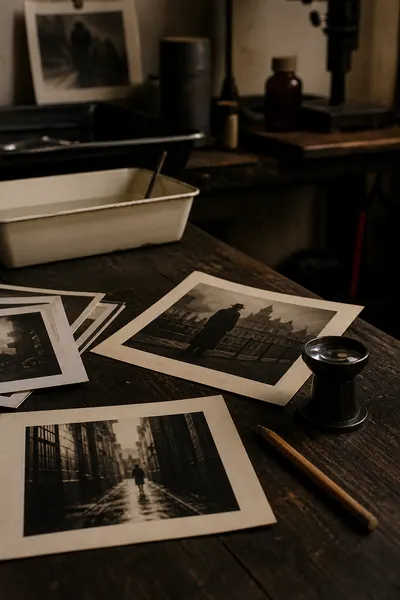
A few habits that make a real difference in what the AI Shadow Remover hands back.
M“I used the AI Shadow Remover on a window portrait that I would otherwise have reshot. The cheek came back even and the catchlight stayed.”
— Portrait photographer
A“Our bottle shots had a hard table shadow in every frame. The AI Shadow Remover cleaned a whole batch in one afternoon.”
— Online seller
J“I don’t open a full editor for curtain shade anymore. The AI Shadow Remover handles it before I’ve finished writing the listing.”
— Real estate assistant
Illustrative quotes — swap in real customer feedback once the AI Shadow Remover has users.
You upload a photo and the AI Shadow Remover rebuilds the surface underneath — skin, a wall, a tabletop — so the patch matches the surrounding light instead of looking brightened by a slider.
The home-page AI Object Remover erases people, signs, and clutter. This AI Shadow Remover is for light: a cast on a face, a bottle, or a wall. Use the object tool when something solid is in the way. Stay on this AI Shadow Remover when the subject is fine and only the shadow is wrong.
Yes — signed-in users get a daily free allowance with the AI Shadow Remover, and no watermark is stamped on the file you take away.
No. Upload the photo and click Remove Shadow. The AI Shadow Remover finds the cast on its own, so you don’t have to brush or outline anything.
JPG, PNG, and WEBP work directly with the AI Shadow Remover. Export the evened result as a high-resolution file with no watermark.
No. The AI Shadow Remover preserves the original resolution and file quality. Inside the shadow it rebuilds texture instead of blurring it.
Yes. The AI Shadow Remover runs directly in a mobile browser, so a product shot or a listing photo can be evened and downloaded without opening a laptop.
No. The AI Shadow Remover processes photos for the session only and doesn’t keep them once you close the tab.