 AI Object Remover
Load the photo
Drop in a flat lay, a hanger shot, or a photo straight from your suitcase. The Clothes Wrinkle Remover accepts JPG, PNG, and WEBP files up to 20MB, and nothing leaves your session until you download it.
Upload the photo. The Clothes Wrinkle Remover presses the crease flat and rebuilds the fabric so the garment looks freshly pressed, not flattened or plastic.
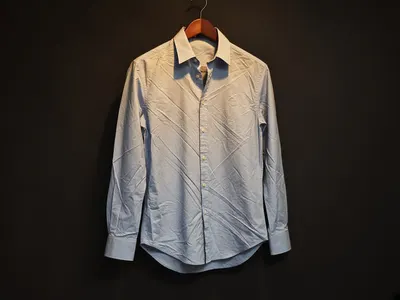
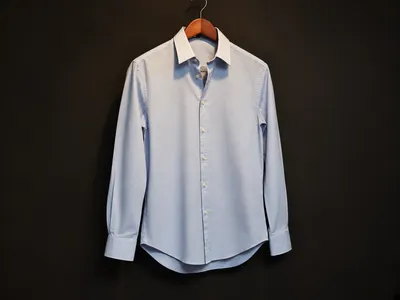
A Clothes Wrinkle Remover is a photo tool that presses out a crease you don’t want — a fold line across a shirt, a crush mark from packing, a wrinkle across a dress — without asking you to iron the garment or clone-stamp the photo by hand.
Where a sharpen filter just adds contrast and leaves the fold visible, the Clothes Wrinkle Remover studies the weave, the seams, and the drape in the frame and rebuilds only the creased patch. You upload once; the Clothes Wrinkle Remover does the pressing.
That’s the whole idea behind this Clothes Wrinkle Remover: one job, done well, so a listing photo or a travel shot doesn’t need a full reshoot. Keep the seams and the print exactly where they are. Send the leftover crease to the Clothes Wrinkle Remover.
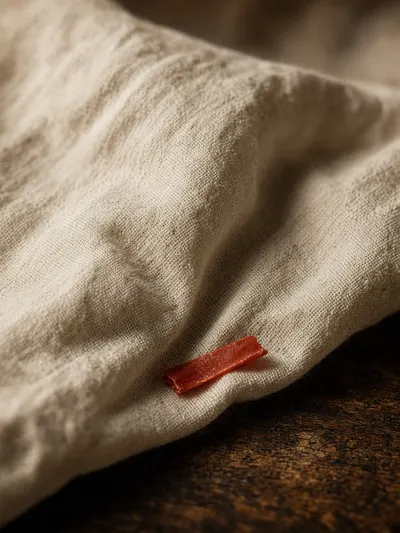
Three steps, no ironing board required.
Drop in a flat lay, a hanger shot, or a photo straight from your suitcase. The Clothes Wrinkle Remover accepts JPG, PNG, and WEBP files up to 20MB, and nothing leaves your session until you download it.
One click starts the Clothes Wrinkle Remover. You don’t brush, circle, or pick a mask — the tool finds every crease and presses it while the seams, print, and weave stay put.
The Clothes Wrinkle Remover reads the surrounding fabric, rebuilds the folded patch, and hands back a photo that looks freshly pressed, not flattened, with no watermark stamped over it.
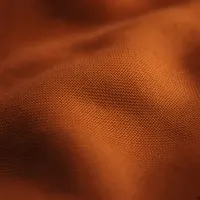
Most sharpen filters just blur the crease into the background. The Clothes Wrinkle Remover reconstructs matching weave and texture instead, so cotton still looks like cotton and silk still looks like silk.
The pressed photo downloads without a logo stamped across it. The Clothes Wrinkle Remover is built to hand back a usable listing photo, not a branded preview.
The pressed photo downloads at the same resolution you uploaded — the Clothes Wrinkle Remover doesn’t downscale your file to push you toward a paid plan.

The Clothes Wrinkle Remover is built to press the crease that looks like a mistake, not to flatten every pleat in the frame, so a skirt or a collar doesn’t lose the structure that made it look tailored.
It runs in a mobile browser, so a listing photo or a travel shot can be pressed with the Clothes Wrinkle Remover before you’ve left the fitting room or the hotel room.
Photos are processed for the session only. The Clothes Wrinkle Remover doesn’t keep a library of your uploads once you close the tab.
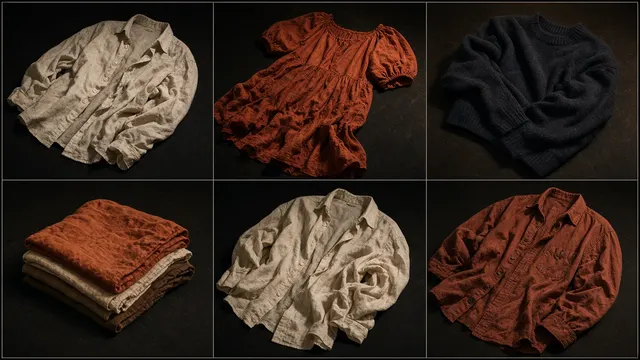
Online sellers use the Clothes Wrinkle Remover on flat lays the night before a listing goes live, pressing out the fold lines that show up after a shirt sits in a poly bag. Fashion photographers use it on a hanger shot when steaming every garment on set isn’t realistic. Wardrobe stylists use the Clothes Wrinkle Remover on a dress or suit between fittings, and frequent travelers use it on the photo they took the moment they unpacked, before finding an iron. None of them need every slider a full editor has — they need the Clothes Wrinkle Remover to do one job, quickly, and get out of the way.
Online seller
Fashion photographer
Wardrobe stylist
Frequent traveler
From a fold line on a flat lay to a crush mark from a suitcase, these are the situations people reach for the Clothes Wrinkle Remover instead of opening a full editor.
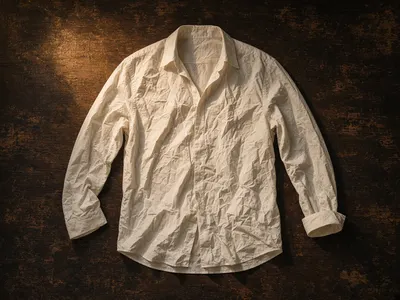
A shirt straight out of a poly bag still has the fold lines from packaging. The Clothes Wrinkle Remover presses the flat lay smooth without losing the weave buyers expect to see.
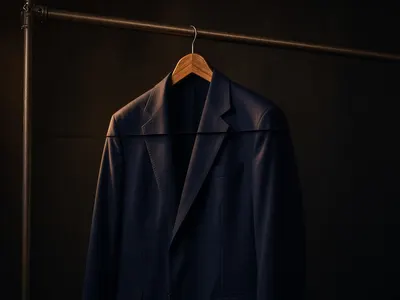
A jacket or dress hangs with a crease across the chest from the rack. The Clothes Wrinkle Remover evens the fabric faster than steaming every piece before a shoot.
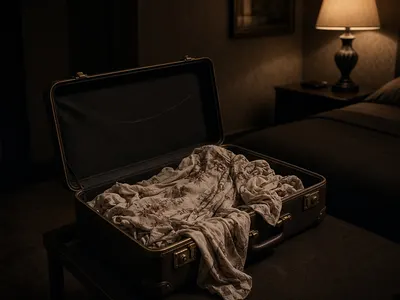
A dress folded into a suitcase comes out with sharp crush lines. The Clothes Wrinkle Remover presses the photo smooth so you don’t need a hotel iron before you post it.
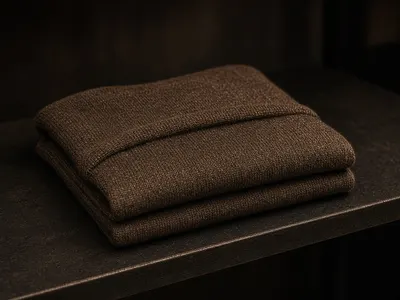
A sweater photographed for an online store still shows the fold from the stockroom shelf. The Clothes Wrinkle Remover cleans the listing photo so the garment looks shelf-fresh.
A few habits that make a real difference in what the Clothes Wrinkle Remover hands back.
S“Our flat lays had fold lines in every photo straight out of the poly bag. The Clothes Wrinkle Remover cleaned a whole batch in one afternoon.”
— Online seller
P“I used the Clothes Wrinkle Remover on a hanger shot I would otherwise have re-steamed. The seams stayed sharp and the crease was gone.”
— Fashion photographer
T“I don’t pack a travel iron anymore. The Clothes Wrinkle Remover handles the crush marks before I’ve finished unpacking.”
— Frequent traveler
Illustrative quotes — swap in real customer feedback once the Clothes Wrinkle Remover has users.
You upload a photo and the Clothes Wrinkle Remover rebuilds the fabric underneath the crease — the weave, the seam, the print — so the patch matches the surrounding cloth instead of looking blurred by a sharpen filter.
The home-page AI Object Remover erases people, signs, and clutter from a photo. This Clothes Wrinkle Remover is for fabric: a fold on a shirt, a crush mark from a suitcase, a crease on a hanger. Use the object tool when something solid is in the way. Stay on this Clothes Wrinkle Remover when the garment is fine and only the crease is wrong.
Yes — signed-in users get a daily free allowance with the Clothes Wrinkle Remover, and no watermark is stamped on the file you take away.
No. Upload the photo and click Remove Wrinkles. The Clothes Wrinkle Remover finds the crease on its own, so you don’t have to brush or outline anything.
JPG, PNG, and WEBP work directly with the Clothes Wrinkle Remover. Export the pressed result as a high-resolution file with no watermark.
No. The Clothes Wrinkle Remover preserves the original resolution and file quality. Inside the crease it rebuilds weave instead of blurring it.
Yes. The Clothes Wrinkle Remover runs directly in a mobile browser, so a listing photo or a travel shot can be pressed and downloaded without opening a laptop.
No. The Clothes Wrinkle Remover processes photos for the session only and doesn’t keep them once you close the tab.