AI Image Translator
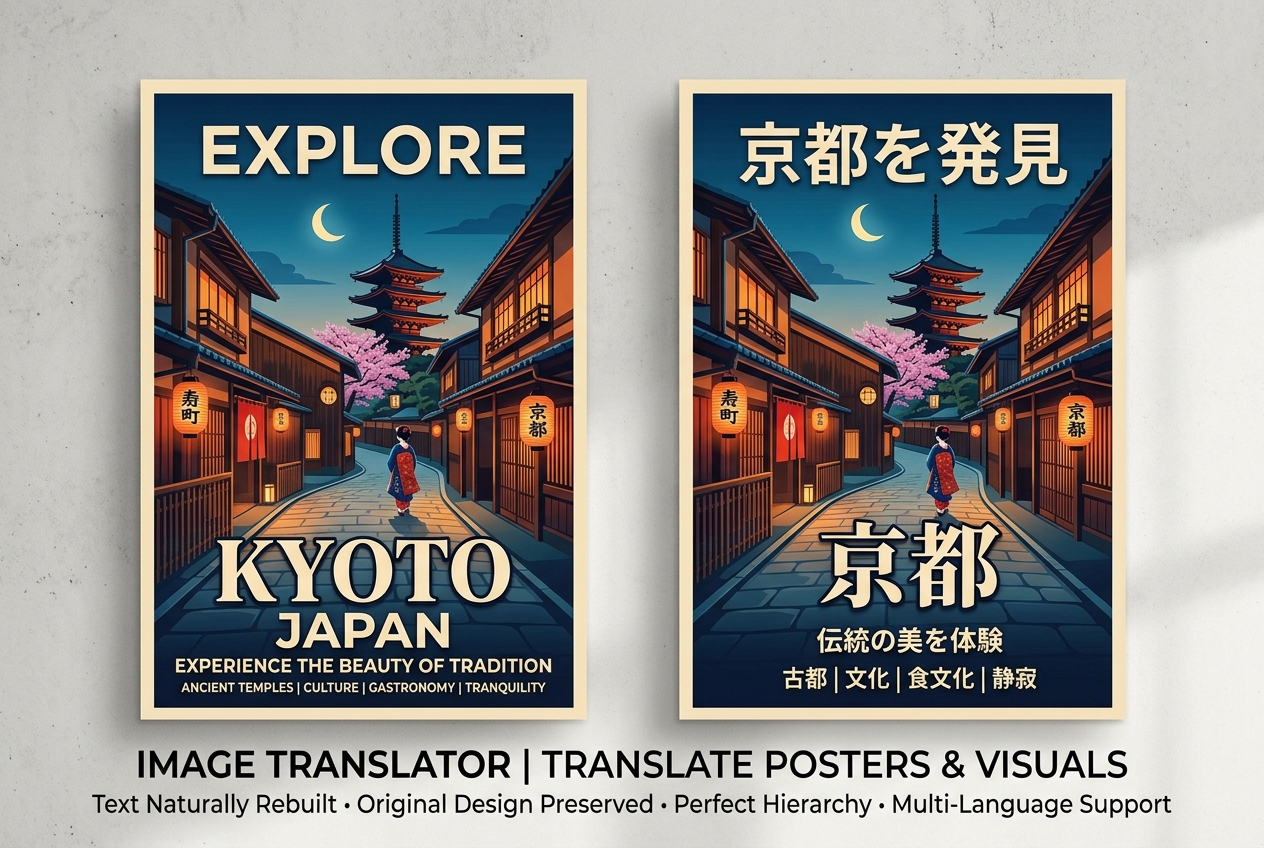
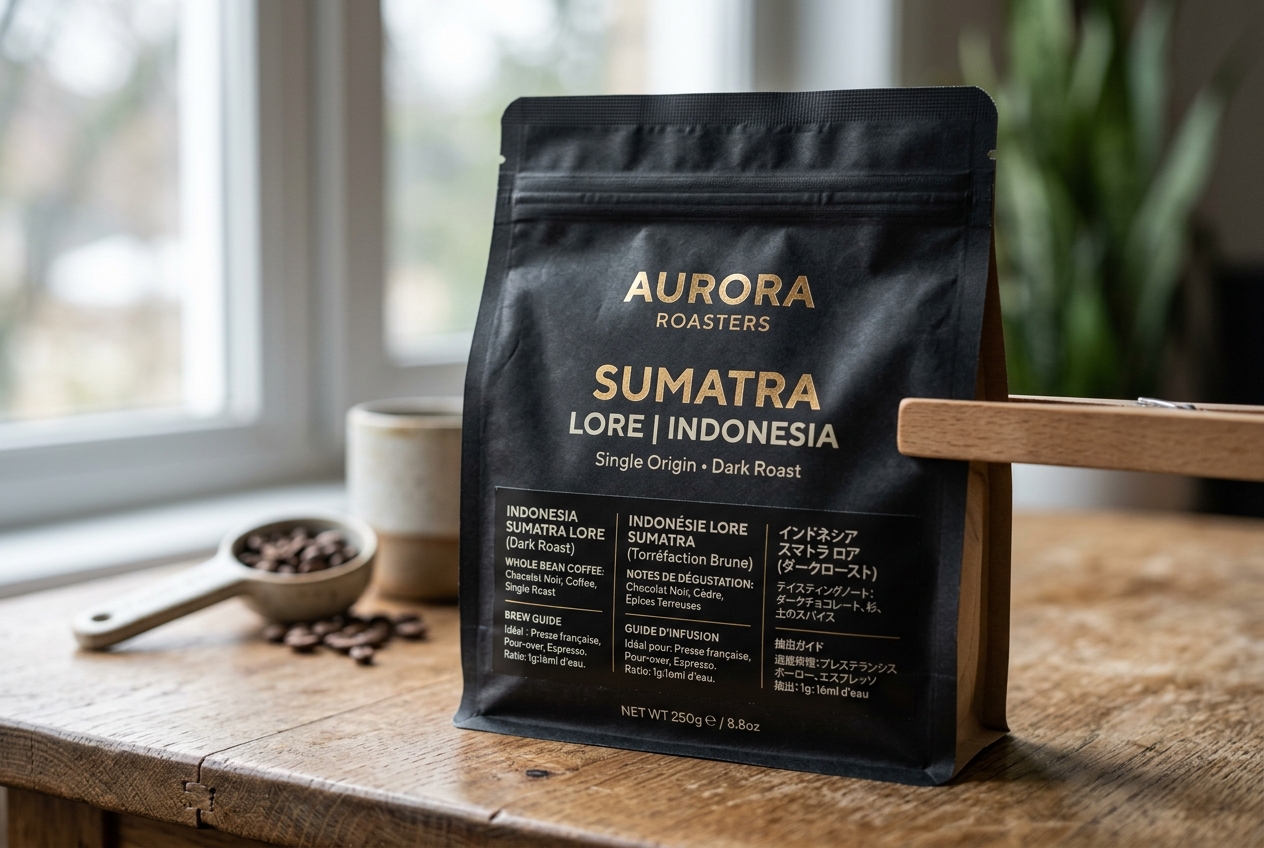
Use this AI image translator to translate text in images and get back a final translated image. It is built for manga, posters, menus, screenshots, labels, and other image-first content where OCR alone is not enough.
AI Image Translator
Upload one image and translate the text inside it with AI.
Drag and drop image here, or click to select
Images only (≤20MB each); select up to 1 now (total 1)
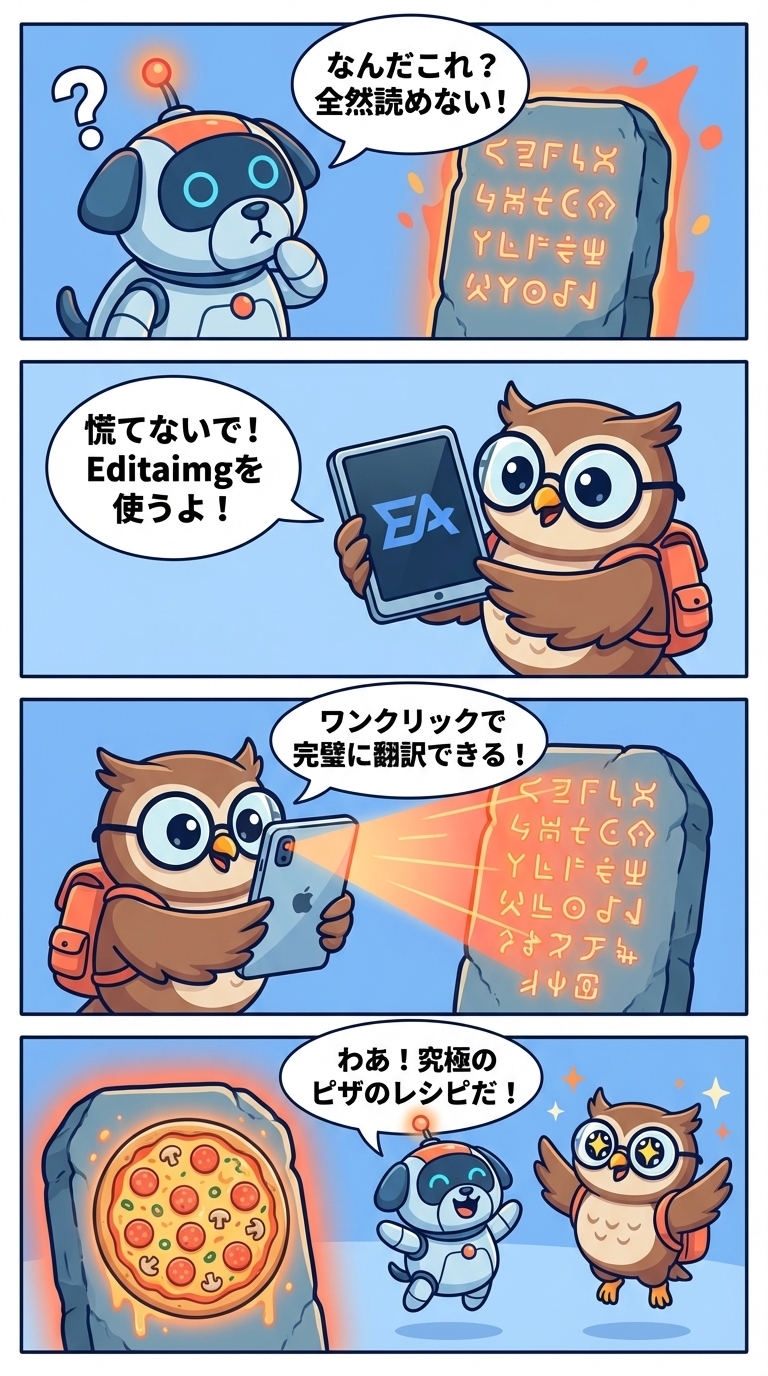 Original
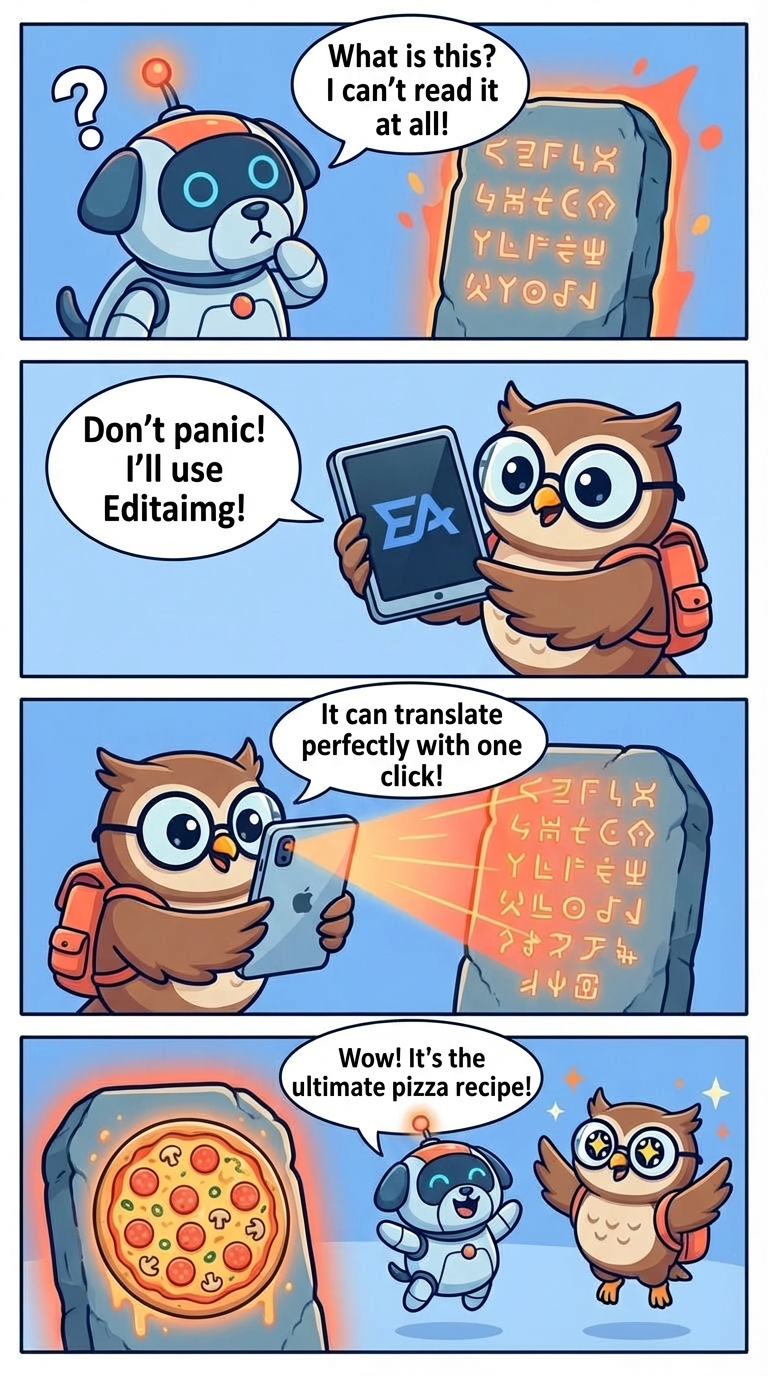 AI Result
What is an AI image translator
The tool detects visible text inside the uploaded image, identifies the source language automatically, translates it into your target language, and returns one final translated image.
Instead of only exporting OCR text, this AI image translator tries to place the translated text back into the original image while keeping the layout, spacing, and overall visual style as natural as possible.
Why use an AI image translator
Auto-detects the visible source language inside the image.
Replaces original text with translated text directly in the image.
Tries to preserve layout, spacing, and visual style during translation.
Returns a final downloadable image instead of a raw OCR text dump.
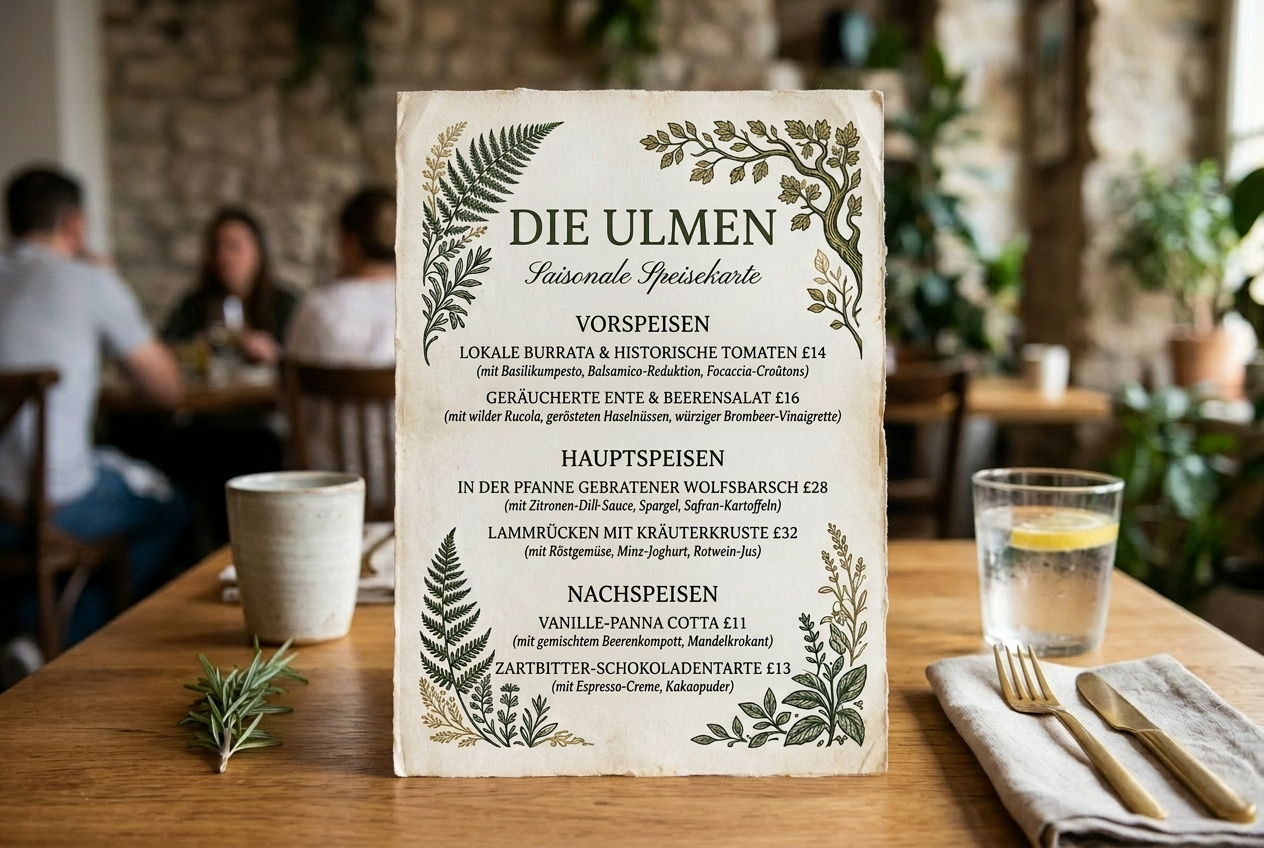 Original
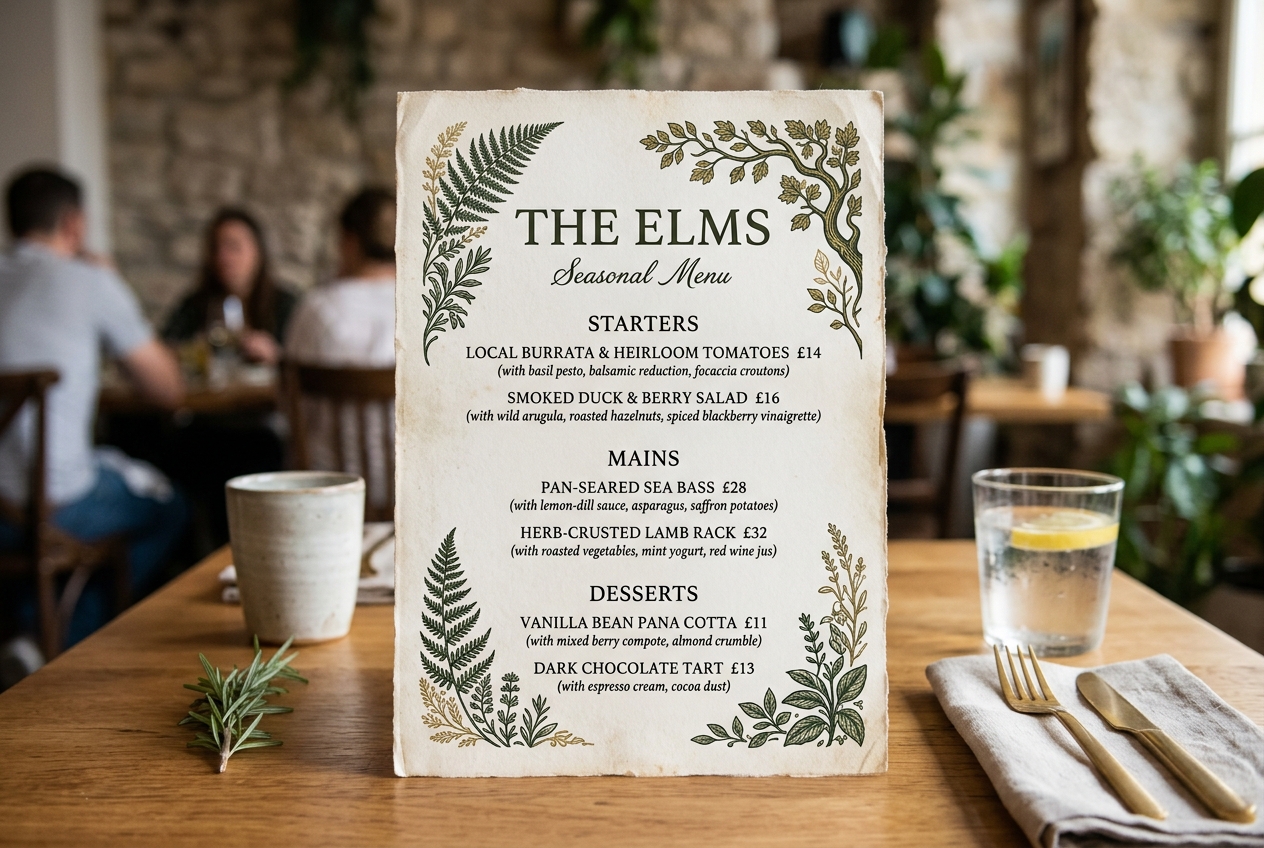 AI Result
How to use this AI image translator
The AI image translator workflow is simple: upload one image, choose a target language, translate, and download the result.
Upload your image
Start with one poster, menu, screenshot, label, flyer, or other text-heavy image.
Choose the target language
Pick the language you want to translate into. The original language is detected automatically.
Add optional instructions
If needed, add tone, localization, or formatting guidance to help the result better match your use case.
Translate and download
Generate the translated image, review the result, and export it in PNG or JPG.
Why choose an AI image translator instead of a plain OCR translator
A plain OCR translator gives you extracted text. An AI image translator aims to give you a translated image that still fits the original visual design.
Better layout preservation
The AI image translator tries to preserve text hierarchy, spacing, and placement so the translated image still feels close to the original composition.
Translated text stays in the image
Instead of giving you a detached translation file, the AI image translator returns one integrated image with translated text rebuilt into the design.
More natural localized output
Optional instructions help the AI image translator produce a translated image that feels more natural for the target audience.
Faster image translation workflow
For manga, posters, screenshots, menus, and packaging, the AI image translator reduces the need to export text separately and rebuild the layout in another editor.
Manga scanlation workflow guide
A long-form guide for fan translation groups: where time goes in a real chapter pipeline, which steps are realistic to automate in 2026, and how an AI image translator fits before human QC.
AI image translator FAQ
Quick answers about how this AI image translator works today and what to expect from the current version.
What formats does this AI image translator support?
This AI image translator supports common browser-uploadable image formats, and the final translated image can be exported as PNG or JPG.
How many target languages does the AI image translator support?
The current AI image translator provides 16 target language options, including English, Chinese, Japanese, Korean, Spanish, French, German, and more.
Can the AI image translator detect the original language automatically?
Yes. The current AI image translator is designed to detect the source language automatically and translate the visible text into the target language you choose.
What if the AI image translator result is not accurate enough?
Try a clearer source image, add more specific instructions, or regenerate again. Since the result depends on the model's text understanding and image editing ability, some complex layouts may need another pass.
Does the AI image translator keep image quality?
The AI image translator is designed to preserve the visual quality of the original image as much as possible, and you can choose different output resolutions before generating.
Is this AI image translator private?
Uploaded images are used to process your AI image translation task and return the result image. If you are working with sensitive content, review your workflow and team policy before uploading production assets.
Try this AI image translator on your real visual content
Use the AI image translator for manga, posters, menus, screenshots, packaging, and other image-first assets where translated text should still look native to the design.
- Posters and flyers
- Menus and signage
- Screenshots and app UI
- Packaging and labels