Image Upscaler — Enlarge Any Photo Without Losing Quality
Upload your photo and our image upscaler increases the resolution to 1K, 2K, or 4K in seconds. Sharp detail, preserved texture, no blurring — ready for printing, large displays, or high-resolution uploads.
Image Upscaler
Upload a photo and upscale it to higher resolution.
Upload your image here
Max 50MB


Drag to compare · Example upscaled to 4K
How the Image Upscaler Works
Three steps take your photo from small and pixelated to sharp and print-ready. The image upscaler handles the processing automatically — no manual editing, no settings to dial in.
Upload Your Image
Drop in a JPEG, PNG, or WebP file — a portrait, product shot, illustration, or scanned print. Any size works, and even a heavily compressed file is a valid starting point.
Choose Your Resolution
Pick 1K, 2K, or 4K output depending on your use case. 1K is ideal for web and social media. 2K suits presentations and screens. 4K is the choice for printing, large displays, and professional outputs.
Download Your Upscaled Photo
The image upscaler processes your file and delivers a high-resolution result ready to download in seconds. No watermark on the output. No software to install.
Image Upscaler Results
See what the image upscaler does to real inputs — portraits, product shots, digital artwork, and old scanned photos. Drag the slider on each card to compare before and after.


Portrait Photo
A compressed portrait processed by the image upscaler — sharp facial features, natural skin texture, clear background detail.
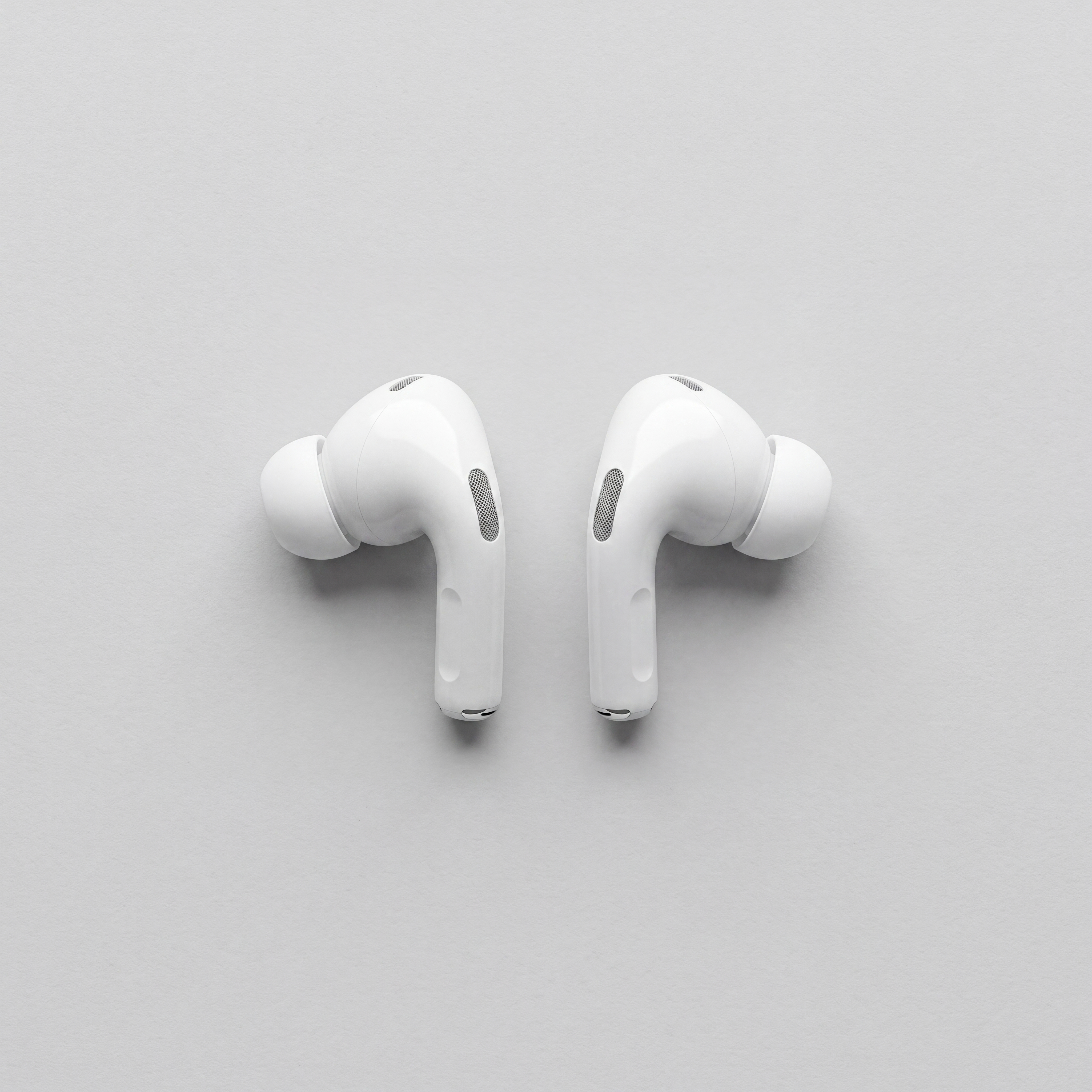

Product Photo
A small product image enlarged for e-commerce listings — clean edges, accurate colour, no compression artefacts.
Digital Artwork
An illustration scaled to print size — crisp lines, vibrant colours, and smooth gradients preserved throughout.
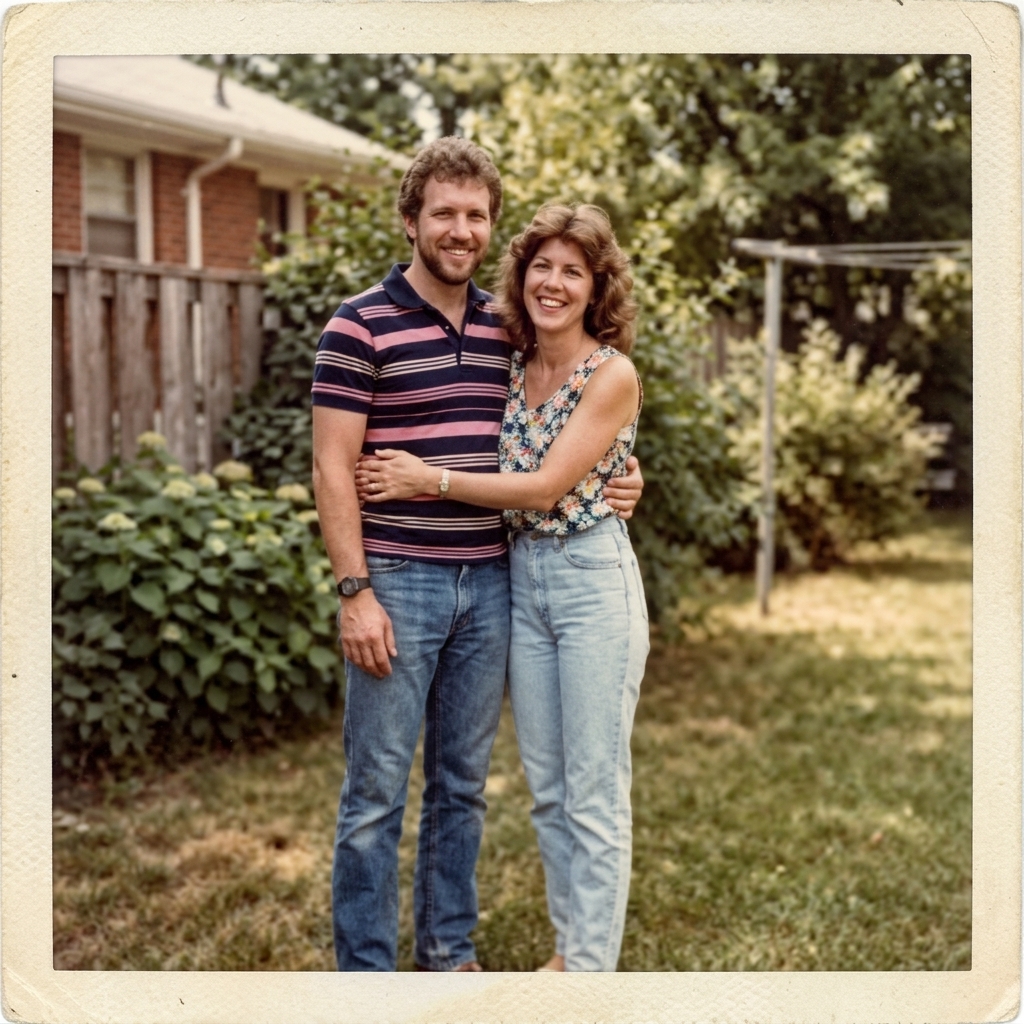

Old Scanned Photo
A faded scan brought back to life by the image upscaler — improved sharpness, recovered detail, ready to reprint or frame.
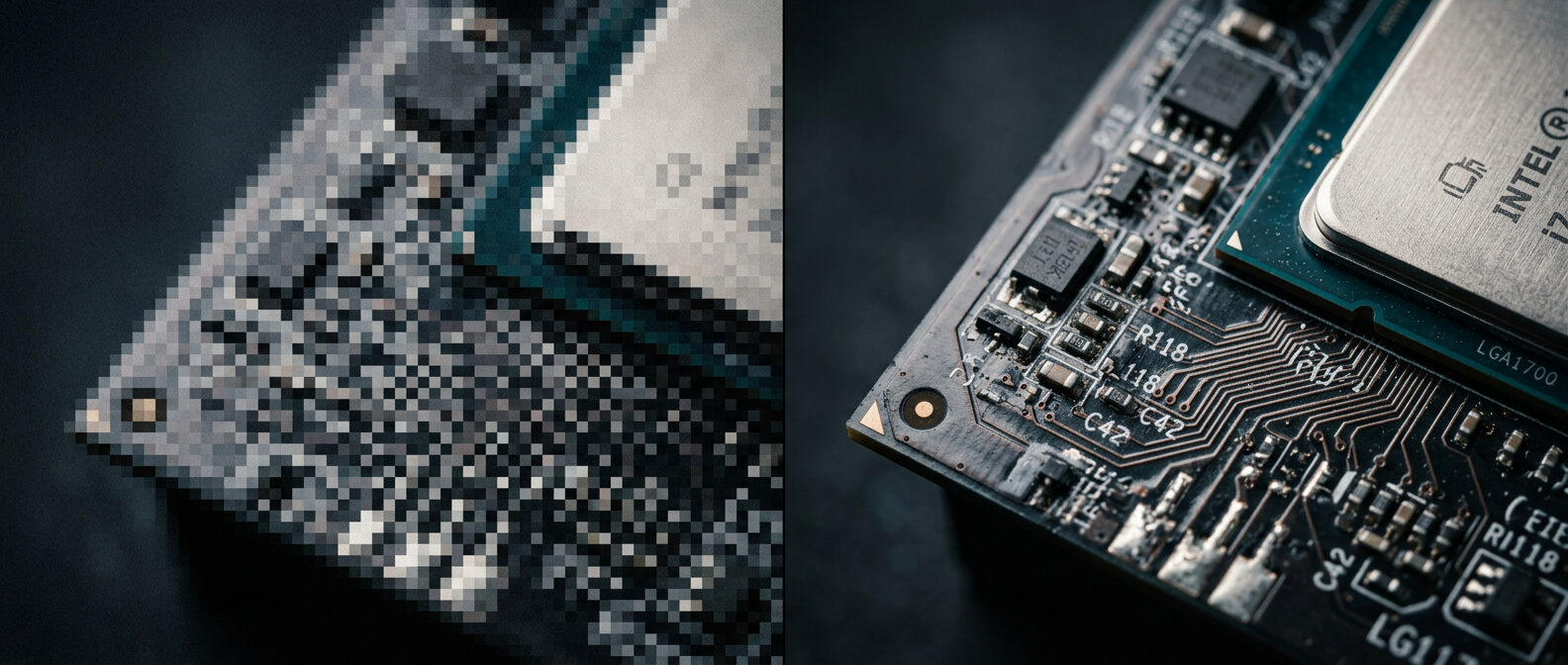
From pixelated thumbnail to print-ready poster — the image upscaler adds the resolution your photos deserve.
What This Image Upscaler Handles
Four things the image upscaler does automatically, whether you are preparing a single photo or working through a full batch.
Image Upscaler Output Up to 4K
Scale any image to 1K, 2K, or 4K. The image upscaler reconstructs missing pixel detail rather than simply stretching what is already there, so sharpness improves instead of blurring further at the larger size.

Preserve Texture and Fine Detail
Hair, fabric weave, product surface texture, painted brushstrokes — fine detail that disappears in a standard resize is retained and sharpened by the image upscaler, not smoothed away.
Photos, Art, and Product Images
The image upscaler works across content types. Portrait photos, product shots, illustrations, AI-generated artwork, and old scanned prints all respond well, with results that preserve the original look and feel.
No Software or Installation
Run the image upscaler directly in your browser — desktop or mobile, Mac or Windows. Nothing to download, no account required to start. Upload, choose your resolution, and download the result.
Who Uses This Image Upscaler
The image upscaler is built for anyone who needs a larger, sharper photo — from first-time users to professional teams working through hundreds of files.
Photographers
Recover usable prints from compressed originals or older digital files. The image upscaler brings small or degraded shots up to a resolution suitable for large-format printing and client delivery.
eCommerce Sellers
Marketplace platforms require high-resolution main images. The image upscaler converts a small product photo into a crisp, high-definition listing image that meets platform standards and attracts more buyers.
Designers and Illustrators
Scale artwork created at screen resolution up to print size without redrawing it. The image upscaler handles the enlargement while keeping line quality, colour accuracy, and gradient smoothness intact.
Print and Display Buyers
Posters, banners, and exhibition prints need 300 DPI or more to look sharp at size. The image upscaler generates a high-resolution file ready for any large-format print or display job.
Anyone with Old Photos
Scanned family photos, low-resolution social media downloads, or images saved years ago at small sizes — the image upscaler gives them new life at a resolution worth printing and sharing.
Image Upscaler vs Manual Resizing
Standard resizing stretches pixels and makes photos look worse at larger sizes. Here is how the image upscaler compares to the methods most people reach for first.
| Method | Output Quality | Time Required | Ease of Use |
|---|---|---|---|
| Browser / OS Resize | Blurry and pixelated — just stretches existing pixels | Instant | Built-in, no effort needed |
| Photoshop Bicubic | Marginal improvement, still soft and smooth at 2× or more | Minutes of manual setup | Requires software and editing skill |
| Our Image Upscaler | Reconstructed detail, preserved texture, sharp edges at 4K | Seconds — fully automatic | Upload and download — nothing else required |
The image upscaler produces a result that looks genuinely sharper at the enlarged size — not just a bigger version of a blurry file.
Image Upscaler FAQ
Common questions about how the image upscaler works, what it supports, and what to expect from the output.
What is an image upscaler?
How does this image upscaler increase resolution without blurring?
What output resolutions does the image upscaler support?
What image formats can I upload to the image upscaler?
Can the image upscaler handle AI-generated images and illustrations?
How is this image upscaler different from just resizing in Photoshop?
Is my image private when I use the image upscaler?
Is the image upscaler free to use?
Try the Image Upscaler Free Today
Join photographers, designers, sellers, and print buyers who use the image upscaler to turn small, compressed, or low-resolution photos into sharp, high-resolution files — in seconds, not hours.
- Upscale to 1K, 2K, or 4K
- Preserve texture and sharp edges
- Works on photos, art, and product images
- No software to install
- Browser-based — desktop and mobile
- Download ready in seconds